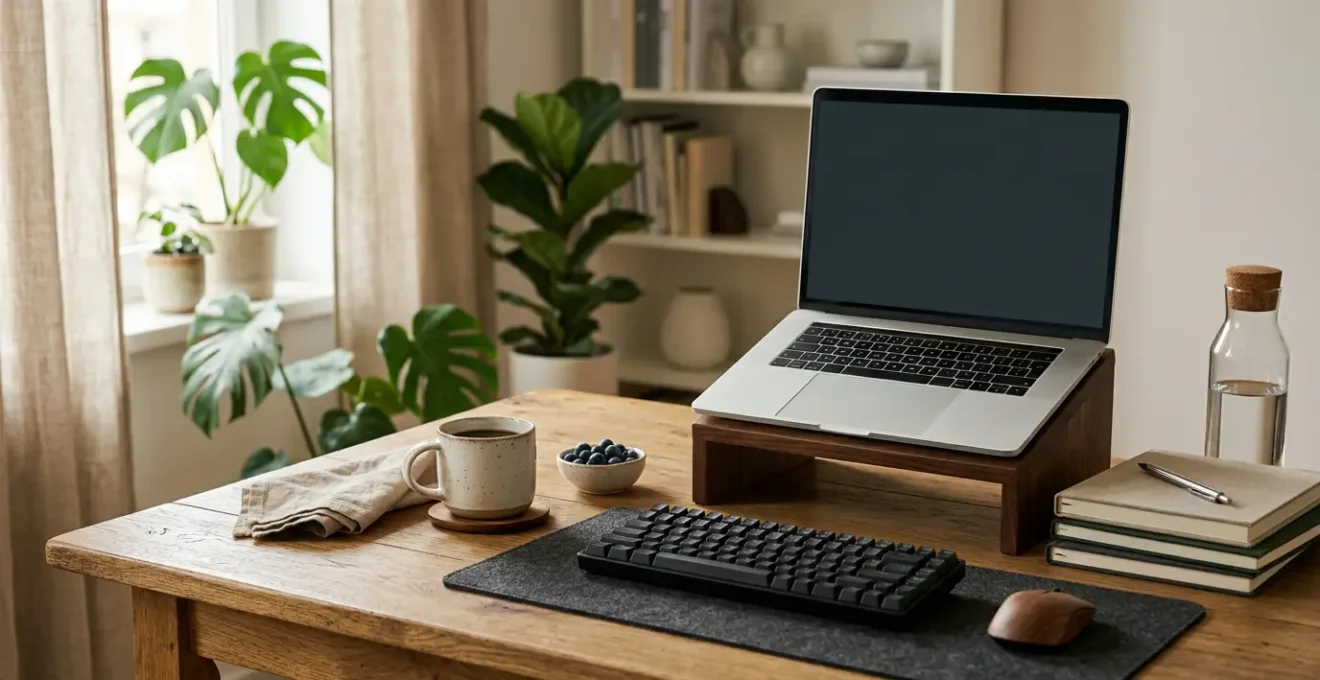
Thriving in a hybrid role isn’t about being ‘always on,’ but about designing an intentional system that protects your focus, boosts strategic visibility, and prevents burnout by design.
- Coordinate in-office « Anchor Days » to fight proximity bias and maximise high-value collaboration.
- Implement transition rituals, like a « fake commute, » to create mental separation between work and home.
Recommendation: Start by auditing your ergonomic setup across all locations and mastering the framework for choosing between asynchronous and synchronous communication to reclaim your time.
For many UK employees splitting their time between a city headquarters and a home office, the promise of flexibility can quickly curdle into a feeling of being perpetually out of sync. You’re haunted by the nagging question: if you’re not physically present, do you still exist professionally? This creates a pressure to be « always on, » blurring the lines between work and life and paving the road to burnout. You feel disconnected, overlooked for spontaneous opportunities, and caught in a productivity paradox where you work more but feel less effective.
The common advice often misses the mark. You’re told to « set boundaries » or « over-communicate, » but these are reactive measures, not a sustainable strategy. They place the burden of adaptation entirely on you, adding more tasks to an already overflowing plate. The real challenge isn’t just managing your time; it’s managing your presence, your energy, and your visibility across different environments.
But what if the solution wasn’t to work harder at being seen, but to build a personal operating system for hybrid work? The key is not simply to cope, but to architect a professional life where visibility, connection, and well-being are the natural outcomes of your structured routine. This approach shifts the focus from constant effort to intentional design, integrating smart rituals, ergonomic intelligence, and strategic communication into the very fabric of your workday.
This guide will provide a comprehensive framework to build that system. We will explore how to structure your physical presence for maximum impact, create rituals that protect your mental health, equip yourself for seamless transitions, master the art of hybrid communication, and protect your most valuable asset: your ability to do deep, focused work, no matter where your desk is.
Summary: How to Build a Personal Operating System for Hybrid Success
- Anchor Days: How to Coordinate Office Presence for Maximum Collaboration?
- The « Fake Commute »: Why Walking Before Work Boosts Productivity at Home?
- Laptop Stands and Keyboards: What Gear Do You Need to Carry vs Duplicate?
- Async vs Sync: When Should You Use Slack and When Should You Call?
- How to Request a Change to Your Hybrid Agreement Formalized by HR?
- Headphones On: How to Signal « Do Not Disturb » Politely to Colleagues?
- Monitor Height: Is Your Screen Position Causing Your Neck Pain?
- How to Schedule Deep Work Sessions in a Distraction-Filled Open Office?
Anchor Days: How to Coordinate Office Presence for Maximum Collaboration?
One of the most insidious threats in a hybrid model is proximity bias: the unconscious tendency for managers to favour employees they physically see more often. This can lead to remote or less-present team members being overlooked for promotions, key projects, and informal knowledge sharing. The solution isn’t to force everyone back into the office full-time, but to create a system of intentional, coordinated presence known as « Anchor Days. »
Anchor Days are specific, pre-agreed days when the entire team commits to being in the office. The goal is not to replicate heads-down individual work, but to dedicate this time to high-bandwidth, collaborative activities that are inefficient to conduct remotely: strategic brainstorming, complex problem-solving, team-building, and mentoring. By synchronising in-office time, you transform the office from a place of mere attendance into a hub for connection and high-value interaction, ensuring everyone has equal access to these opportunities.
The effectiveness of this approach is significant; teams that excel at planning their in-person collaboration see tangible benefits. In fact, 67% of hybrid employees report feeling more engaged when their team has a clear plan for in-office work, according to recent Gallup research. This coordination is the foundation of a fair and effective presence architecture.
Case Study: Quora’s Strategy to Eliminate Proximity Bias
To ensure a level playing field, Quora implemented a radical policy: its leadership team is deliberately not office-based. The CEO, for example, visits the office a maximum of once per month. This strategic move ensures that leaders have equal access to both remote and in-office employees, preventing the formation of an « in-crowd » and demonstrating a top-down commitment to making hybrid work truly equitable. It proves that combating proximity bias requires conscious, structural decisions, not just good intentions.
The « Fake Commute »: Why Walking Before Work Boosts Productivity at Home?
For decades, the daily commute served a hidden psychological purpose: it created a clear, non-negotiable transition between our personal and professional lives. The journey to the office was a buffer, allowing our brains to switch into « work mode, » while the trip home helped us decompress and shed the day’s stress. In a hybrid model, this ritual is often lost. The « commute » shrinks from a 45-minute train ride to a 45-second walk from the kitchen to the desk, erasing a critical mental boundary.
This lack of separation is a primary driver of remote work burnout. Without a clear start and end, the workday bleeds into personal time. Indeed, during the shift to remote work, the average workday lengthened by 48.5 minutes, as the National Bureau of Economic Research found. To reclaim this time and restore balance, you need to invent a new ritual: the « fake commute. »

This is a deliberate act of creating a transition ritual before you start and after you finish work at home. It can be a 20-minute walk around the block, listening to a podcast, or even just sitting on a park bench with a coffee. The key is that the activity is done before you open your laptop and after you close it for the day. This ritualised decompression re-establishes the mental airlock that the traditional commute provided, signaling to your brain that it’s time to either engage or disengage, leading to better focus during work hours and more restorative personal time.
- Allocate 30 minutes before starting work: Sit somewhere other than your desk and engage in « commuting » activities like listening to music or planning your day before opening your laptop.
- Create a morning transition ritual: Use this time to write a quick to-do list, distinguishing between urgent tasks and those that can wait, to mentally prepare for the day.
- Implement an evening decompression routine: Take 30 minutes at the end of your workday to reflect, prep for tomorrow, and decompress before tackling personal obligations.
Laptop Stands and Keyboards: What Gear Do You Need to Carry vs Duplicate?
Ergonomic inconsistency is a hidden saboteur of hybrid productivity and well-being. A perfectly adjusted setup in the office is useless if your home office consists of a laptop perched on a stack of books, forcing you into a posture that causes neck and wrist strain. True ergonomic intelligence means creating a consistent, healthy work environment no matter your location. This doesn’t mean buying three of everything; it means developing a smart strategy for what to carry versus what to duplicate.
The core principle is to prioritise consistency for the equipment with the highest ergonomic impact and lowest portability. Your goal is to be able to sit down at your office desk or your home desk and have the same neutral, supported posture. This often involves a one-time investment, which many forward-thinking organisations are willing to support. For example, Stanford University provides up to a $250 stipend for employees to purchase ergonomic equipment for their remote setups, recognising it as a critical investment in employee health and productivity.
The decision of what to carry and what to duplicate can be simplified by weighing an item’s ergonomic importance against its portability. A framework helps make these choices clear.
| Equipment Type | Ergonomic Impact | Portability | Strategy | Rationale |
|---|---|---|---|---|
| External Monitor | High | Low | Duplicate | Critical for neck position but too large to transport daily |
| Ergonomic Mouse | High | High | Carry | Prevents wrist strain and easily fits in laptop bag |
| Laptop Stand/Riser | High | High | Carry portable version | Raises screen to eye level; foldable options available |
| External Keyboard | Medium-High | Medium | Duplicate | Essential when screen is elevated; compact versions exist for carrying |
| Ergonomic Chair | High | Very Low | Duplicate or negotiate | Not transportable; request one for each location |
| Footrest | Medium | Medium | Carry portable version | Adjustable portable options available for varying desk heights |
Async vs Sync: When Should You Use Slack and When Should You Call?
In a hybrid environment, the feeling of being « always on » is often a symptom of poor communication architecture. When every query becomes an instant message and every discussion a last-minute video call, your day fractures into a series of reactive interruptions, destroying any chance for deep, focused work. Mastering the hybrid model requires a team-wide understanding of two distinct communication modes: synchronous (sync) and asynchronous (async).
Synchronous communication happens in real-time. It includes video calls, in-person meetings, and rapid-fire Slack chats. It’s best reserved for urgent, complex issues that require immediate brainstorming, debate, and decision-making. Asynchronous communication, on the other hand, happens on a delay. It includes email, documented proposals, and project management updates. It’s ideal for non-urgent status updates and complex ideas that require thoughtful review, not an instant reaction. The goal is to make async the default and sync the exception.
This shift is not just about efficiency; it’s crucial for well-being. The expectation of immediate availability is a major source of stress, and empowering employees with more control over their response times is a powerful antidote. It’s no surprise that 56% of hybrid workers believe more asynchronous communication would improve their mental health. Having a clear framework for when to use each method eliminates ambiguity and protects everyone’s focus time.
Use the following decision framework to guide your communication choices and champion this approach within your team.
| Urgency Level | Complexity Level | Recommended Method | Example Scenario |
|---|---|---|---|
| High | Low | Slack/Chat Message | Quick clarification needed on a deadline |
| Low | Low | Email or Async Update | Status update that doesn’t require immediate action |
| Low | High | Documented Proposal (async) | Detailed project plan requiring thoughtful review |
| High | High | Synchronous Call/Meeting | Complex problem requiring real-time brainstorming and immediate decision |
| Medium | Medium | Hybrid: Async + Scheduled Sync | Share context async, then schedule focused sync discussion |
How to Request a Change to Your Hybrid Agreement Formalized by HR?
As you settle into a hybrid rhythm, you may find that the initial agreement isn’t working optimally for you or your team. Perhaps you need more focus days at home or have discovered that your team collaborates best with a different set of anchor days. Requesting a change can feel daunting, but it’s a normal part of evolving a successful hybrid model. The key is to frame your request not as a personal preference, but as a business case for improved performance.
Your manager and HR department are primarily concerned with productivity, engagement, and team cohesion. Therefore, your proposal must be built on data, not just feelings. Before you even schedule a conversation, track your own productivity metrics for a few weeks. Document your completed tasks, the quality of your focus time, and successful collaborations under the current schedule. This evidence will be the foundation of your argument, demonstrating that you are approaching this as a strategic optimisation.
Remember that you are not an outlier; flexibility is becoming the norm. Recent data shows that 67% of companies now offer some form of work location flexibility, indicating that organisations are open to these conversations. By proactively addressing potential concerns—such as how you’ll maintain visibility and handle urgent requests—and proposing a trial period with clear success metrics, you lower the barrier to approval and show that you are a responsible, forward-thinking partner in making the hybrid model work.
Your Action Plan: Auditing Your Hybrid Work ‘Signal’
- Points de contact: List all channels where your work is made visible—from Slack updates and emails to meeting contributions and formal reports.
- Collecte: Inventory tangible proof of your contributions over the last month, such as links to completed projects, positive client feedback, and data showing your impact.
- Cohérence: Compare your collected evidence against your core job responsibilities. Are you most visible for the activities that matter most to your role and the company’s goals?
- Mémorabilité/émotion: Identify one or two unique contributions or insights you provided that went beyond standard task completion. What makes your work memorable?
- Plan d’intégration: Based on your audit, identify one key visibility gap and create a simple plan to address it, such as starting a bi-weekly summary email to your manager highlighting key progress.
Headphones On: How to Signal « Do Not Disturb » Politely to Colleagues?
The open-plan office, designed to foster collaboration, often becomes the enemy of concentration. Constant chatter, impromptu questions, and visual distractions can make deep, focused work feel impossible. When you’re in the office on an anchor day, you need a clear, socially acceptable way to signal « I’m focusing now » without appearing rude or unapproachable. While headphones are the universal symbol, they are often not enough.
The solution is to establish a clear and consistent system of focus signals that the whole team understands and respects. This goes beyond just wearing headphones. It can involve using a small, physical desk sign (a simple red/green card), or more powerfully, leveraging shared digital tools. Blocking « Focus Time » in your shared calendar is an increasingly common and effective strategy. In fact, Owl Labs’ 2024 research revealed that 58% of employees are already blocking their calendars to protect their focus time, making it a normalised professional practice.
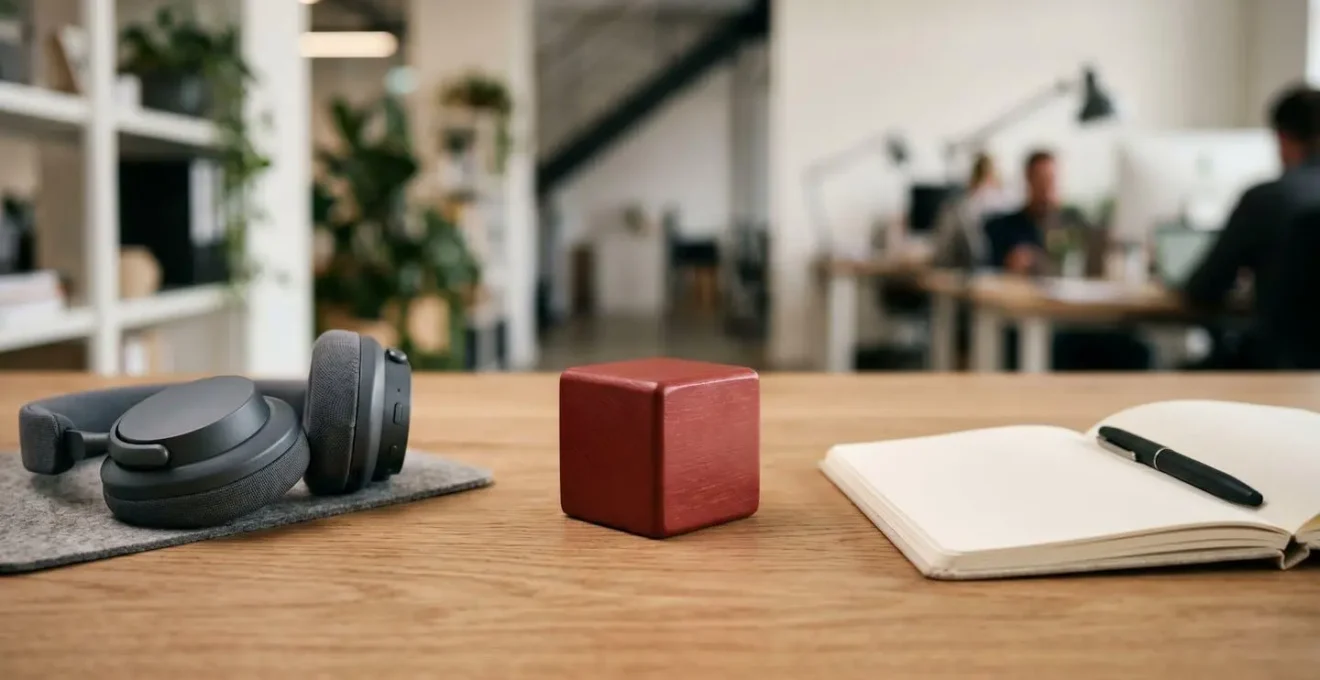
However, even with these signals, interruptions happen. The final layer of your defense system is having a set of polite, pre-prepared scripts to deploy when someone breaks through your focus block. These phrases allow you to acknowledge the person while firmly protecting your scheduled time, turning a potentially awkward moment into a smooth negotiation.
- The redirect script: « I’m in the middle of a deep work block right now, can I circle back with you at 2 PM? » This acknowledges the person while protecting your schedule.
- The async alternative: « I want to give this my full attention. Can you send me a quick message with the details, and I’ll respond within the hour? » This shifts the conversation to an asynchronous channel without appearing dismissive.
- The boundary-setting phrase: « I’m heads-down until noon today. For anything urgent, please Slack me with ‘URGENT’; otherwise, I’ll catch up after lunch. » This sets clear expectations proactively.
Monitor Height: Is Your Screen Position Causing Your Neck Pain?
We often treat ergonomics as a matter of physical comfort, but its impact is far deeper. Poor ergonomic setups don’t just cause neck pain or wrist strain; they actively degrade your cognitive performance. When your body is in a state of low-level physical stress—hunched over a laptop, craning your neck to see a poorly positioned monitor—it diverts precious mental resources away from complex problem-solving and creative thinking. Your « background processing » power is spent managing physical discomfort, leaving less capacity for high-value work.
The most common ergonomic mistake, in both home and office setups, is incorrect monitor height. The rule is simple: the top of your screen should be at or slightly below eye level. This allows you to maintain a neutral neck position, preventing the forward head posture that leads to « tech neck » and associated tension headaches. For laptop users, this is impossible without an external stand or riser, which is why it’s a non-negotiable piece of equipment in a hybrid worker’s toolkit.
Investing in a consistent ergonomic environment is one of the highest-return activities for improving productivity and well-being. The link between physical setup and mental state is well-documented; research on high-trust companies with proper ergonomic support shows employees report up to 74% less stress and a 50% increase in perceived productivity. Your physical workspace is not just a container for your work; it’s a tool that either enhances or hinders your ability to perform.
To ensure your setup is optimised, perform a quick audit across your different work locations:
- Office desk audit: Is your monitor positioned so your neck is neutral? Are your keyboard and mouse at elbow height? Are your feet flat on the floor or a footrest?
- Home office audit: Is your laptop elevated to eye level with a stand? Are you using an external keyboard and mouse? Is your chair providing adequate lumbar support?
- Nomadic setup audit (e.g., coffee shop): Do you have a portable laptop riser? Can you use your bag as an improvised footrest if the chair is too high?
Key Takeaways
- Intentional Presence: Use « Anchor Days » to schedule high-value, in-person collaboration, fighting proximity bias and ensuring equal access to opportunities for the whole team.
- Ritualised Transitions: Create a « fake commute » at home—like a short walk before and after work—to build the mental separation necessary to prevent burnout and protect personal time.
- Ergonomic Intelligence: Maintain a consistent, ergonomic setup across all work locations by strategically duplicating core equipment (monitor, keyboard) and carrying portable items (mouse, laptop stand) to boost both physical health and cognitive performance.
How to Schedule Deep Work Sessions in a Distraction-Filled Open Office?
The single greatest asset a knowledge worker has is their ability to concentrate. Deep work—the state of focused, distraction-free concentration that pushes your cognitive capabilities to their limit—is where real value is created. Yet, the modern workplace, both physical and digital, is a minefield of distractions. The constant barrage of notifications, unnecessary meetings, and « quick questions » fragments our attention and makes sustained focus feel like a luxury.
This isn’t just a feeling; it’s a quantifiable drain on productivity. For instance, research shows knowledge workers lose an average of 103 hours per year to unnecessary meetings alone. To reclaim this time and create space for deep work, you must move from a passive, open-calendar approach to an active, defensive one. The most powerful tool in this defense is time-blocking: proactively scheduling deep work sessions in your calendar and treating them with the same respect as a meeting with your CEO.
Simply blocking « Focus Time » isn’t enough; you must build a fortress around it. This involves communicating the importance and non-negotiable nature of these blocks to your colleagues through clear, strategic actions. By creating and enforcing these boundaries, you are not being uncooperative; you are protecting the company’s most valuable resource—your focused attention.
- Use descriptive calendar titles: Instead of a generic block, use specific titles like « Writing Q3 Report – Do Not Disturb » to signal importance.
- Set automatic declining rules: Configure your calendar to automatically decline conflicting meetings during deep work blocks, with a polite message suggesting alternative times.
- Implement strategic unavailability: Use Slack statuses and out-of-office replies during 90-minute blocks, stating « Heads-down until 3 PM, will respond after » to manage expectations.
- Normalise longer response times: Champion a team culture where a response within a few hours, not minutes, is the standard for non-urgent matters.
Ultimately, navigating the hybrid world successfully is not about finding a single perfect schedule. It’s about building a resilient, adaptable personal operating system. By combining intentional presence, protective rituals, ergonomic intelligence, and a robust communication framework, you move from a state of reactive survival to one of proactive, strategic control. This system empowers you to deliver your best work, maintain your visibility, and, most importantly, protect your well-being for the long term. To evaluate where to begin, start by auditing the foundational elements of your communication and physical setup.